Plan together
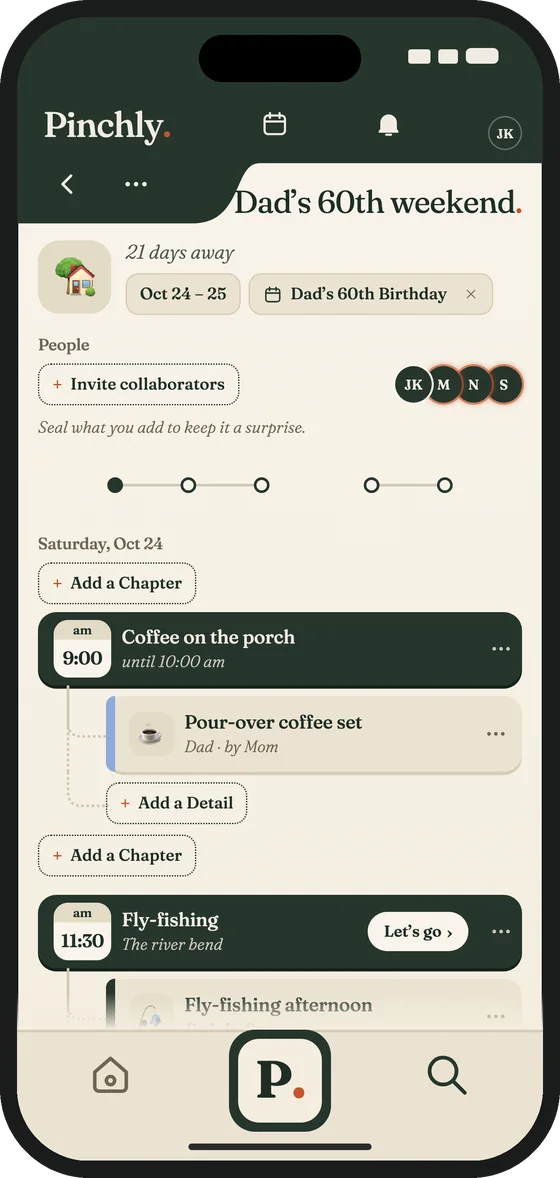
Plan the Moments that matter with someone you’re connected to. Invite anyone with a link. They answer Going, Maybe or Can’t go, and they don’t need the app.
From the everyday coffee order to the perfect holiday gift.
Free to downloadPrivate by defaultNo ads
Free to downloadPrivate by defaultNo ads
How it works
1
Type or say it—Pinchly only needs the person, the place, and the thing.
2
Pinchly understands, sorts, and holds it close—privately and visible only to you.
3
Whenever you need it, just ask Pinchly however you can remember—it comes back in a pinch.
A look inside
Plan the Moments that matter with someone you’re connected to. Invite anyone with a link. They answer Going, Maybe or Can’t go, and they don’t need the app.
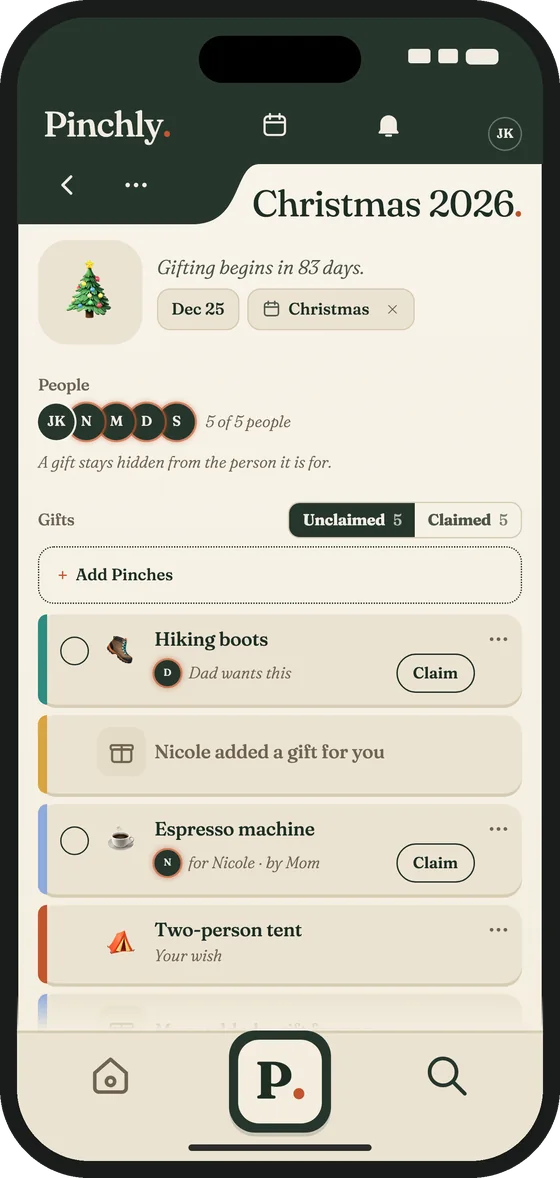
Share a Gift List with people you’re connected to and mark a gift claimed so nobody doubles up. Gifts for someone on the list stay hidden from them.
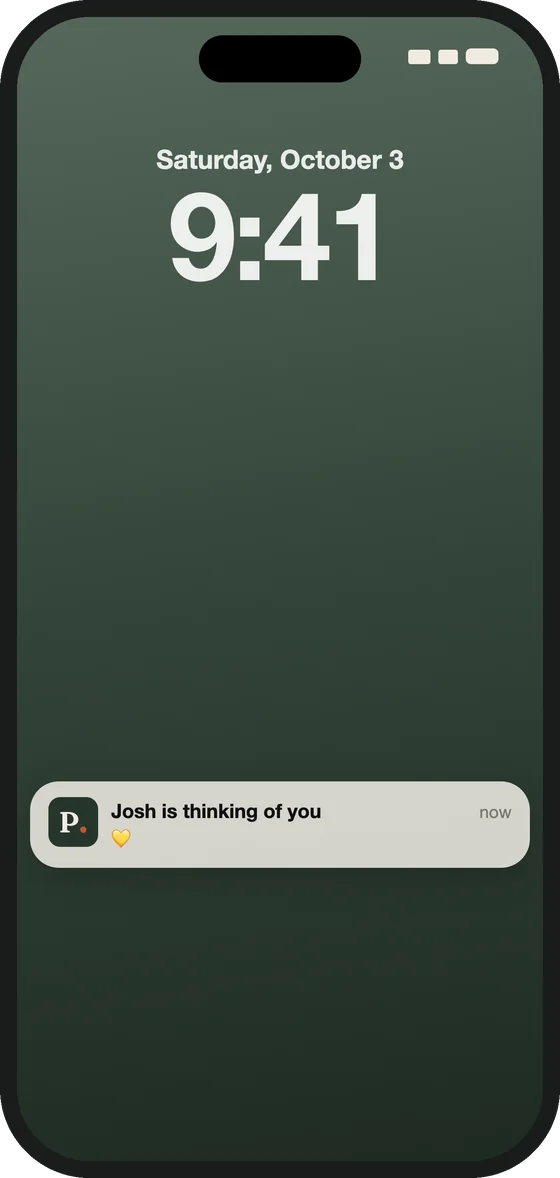
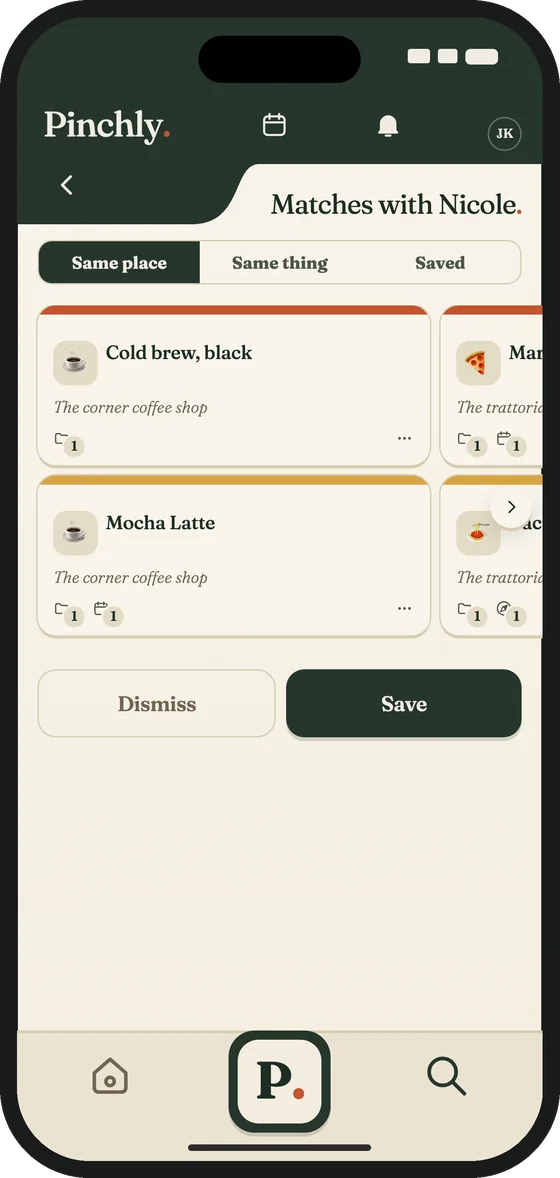
Send a Connection a thought. See where your Pinches match.
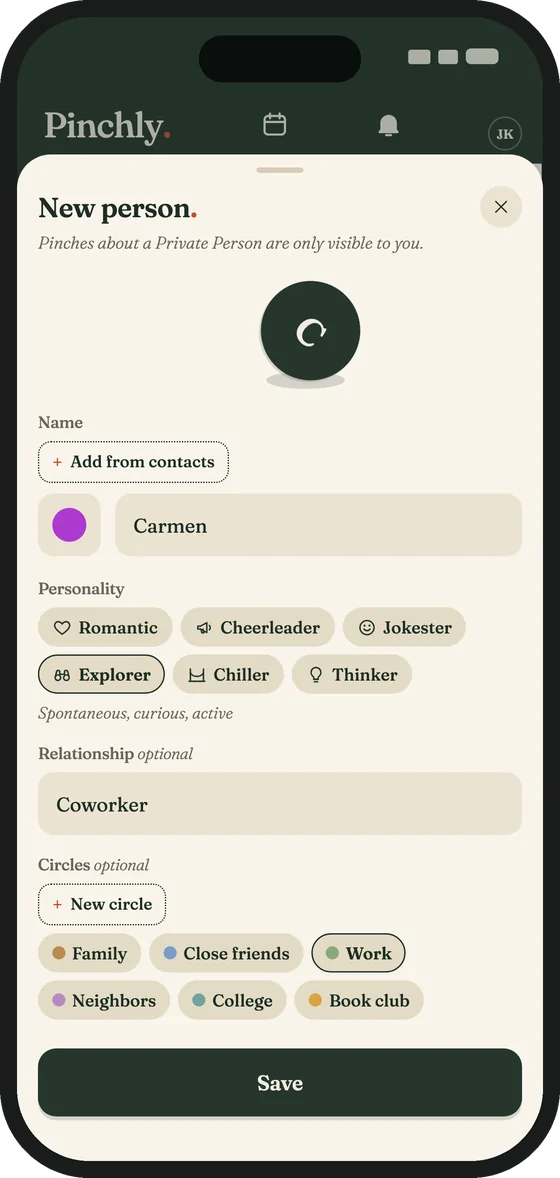
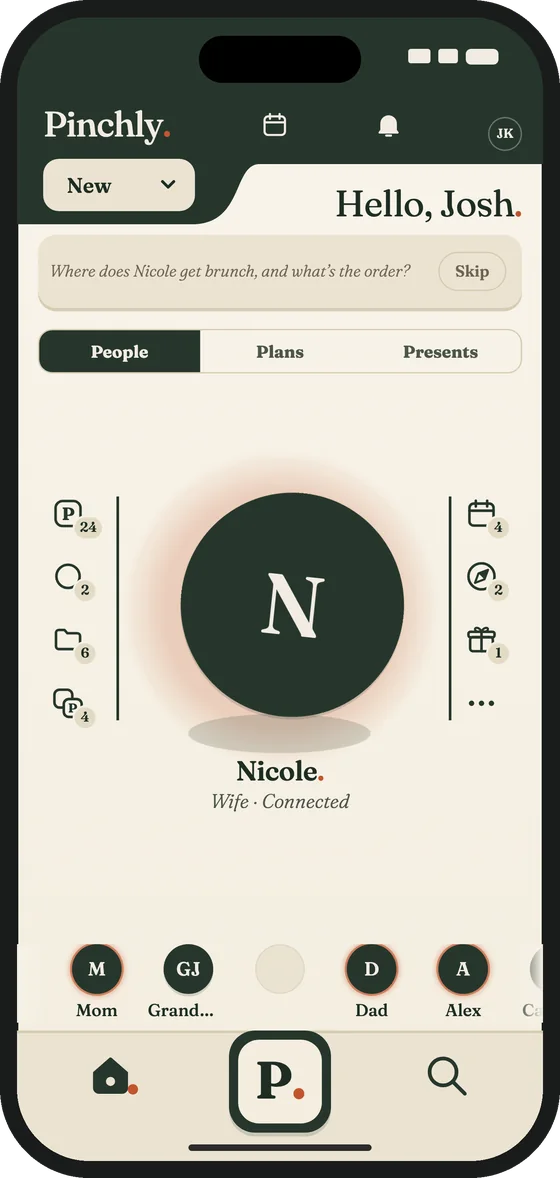
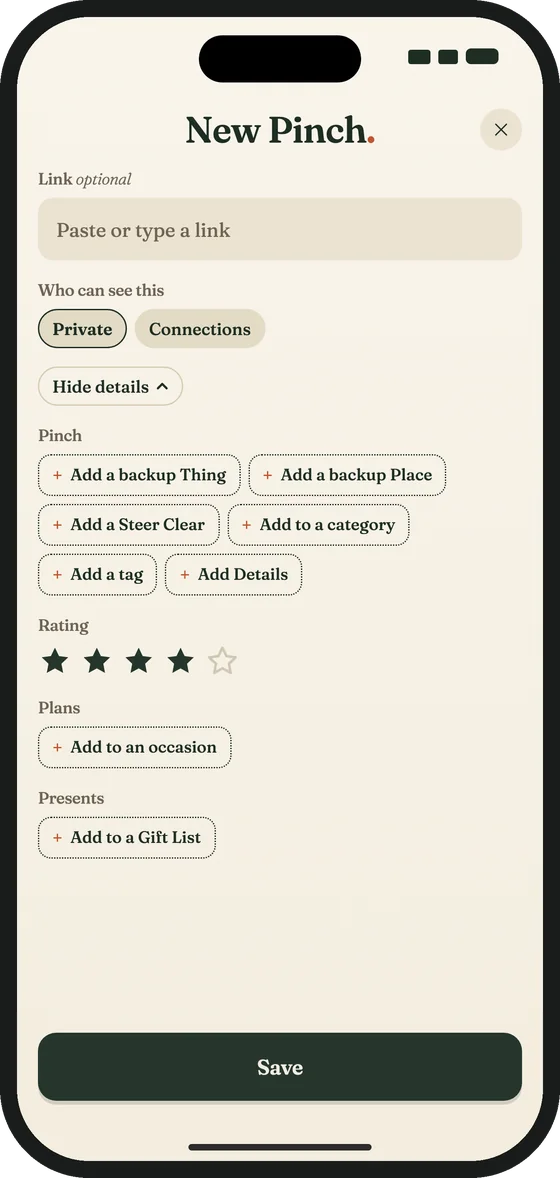
You pinch it once and it’s filed away, private until you share it.
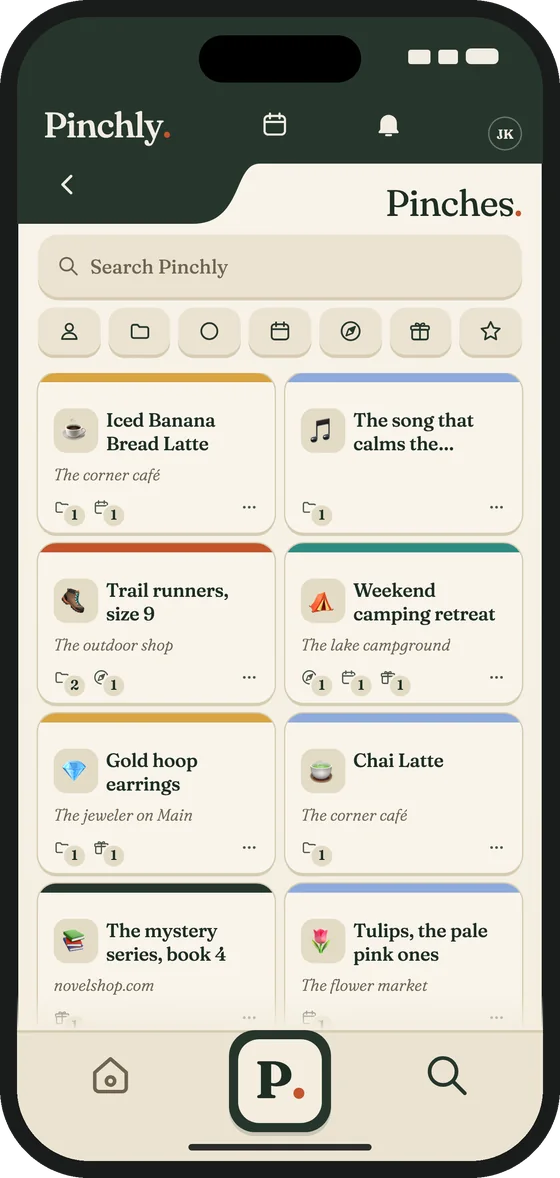
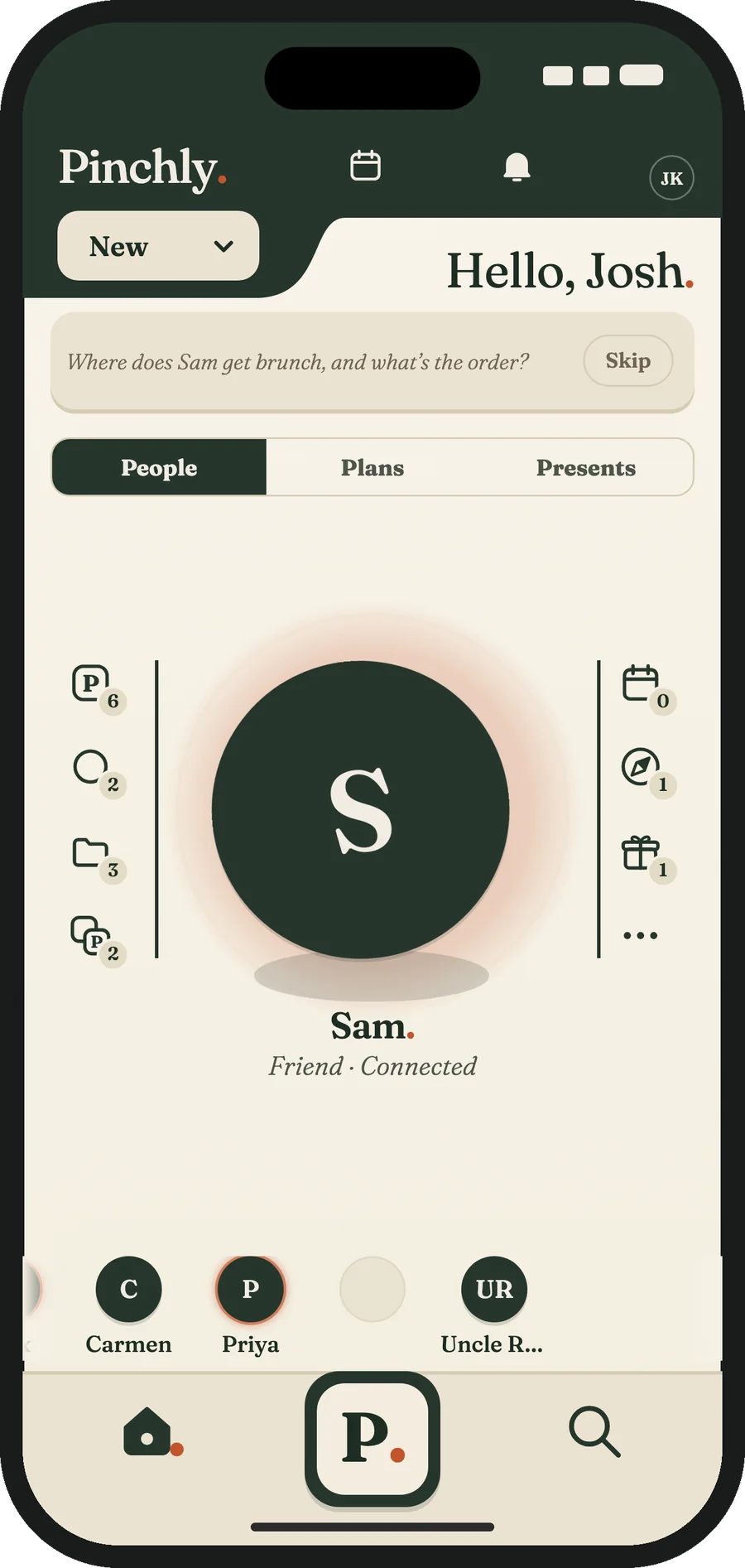
Add anyone you care about — your partner, friends, family, colleagues, or neighbors.
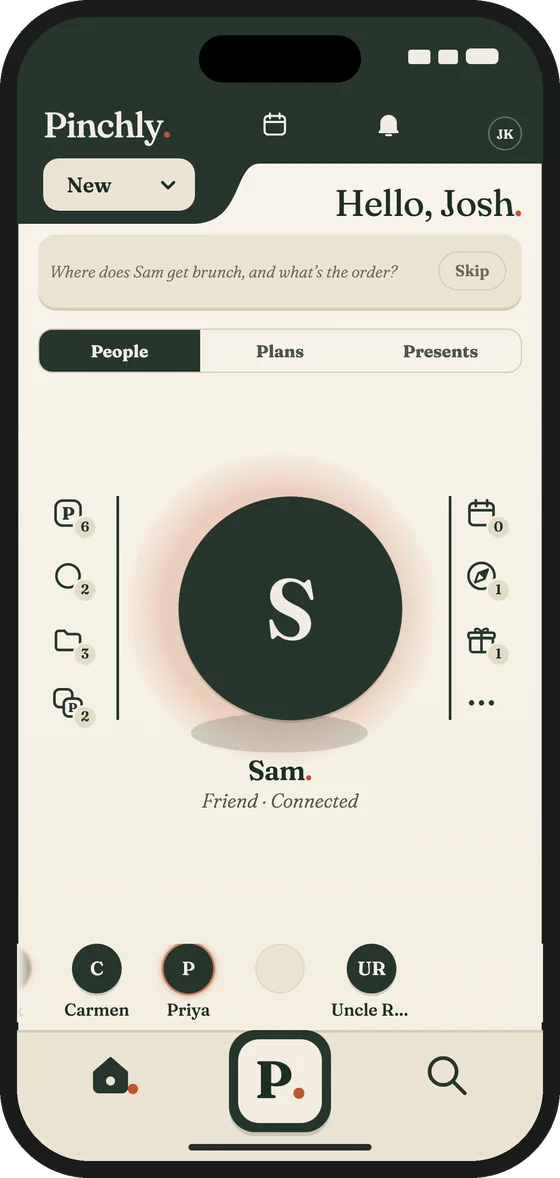
Pinches are the things and places that matter to those you care about.
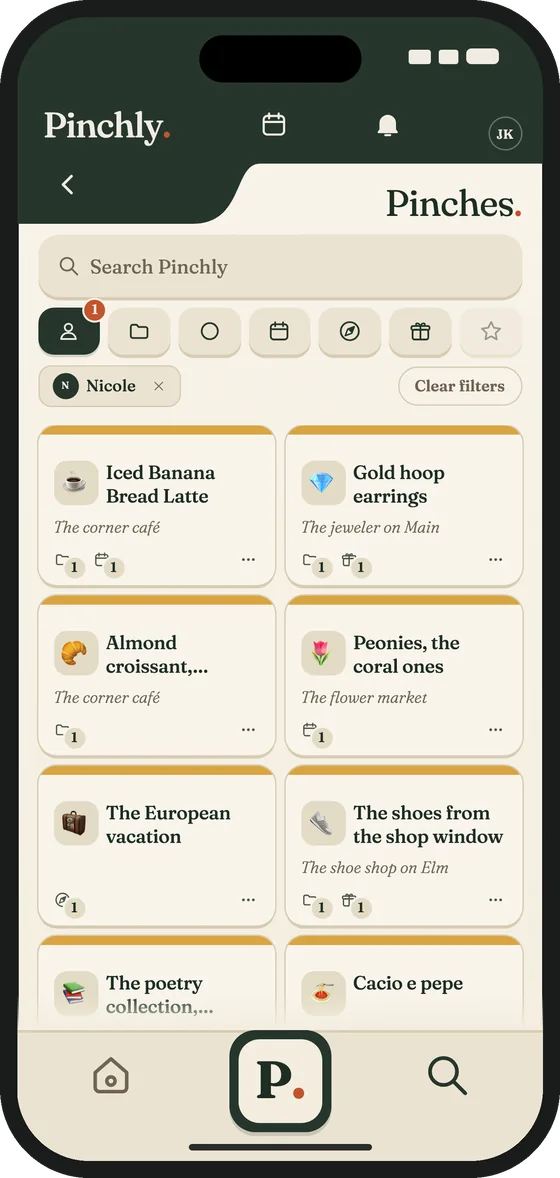
Plans
Plan the Moments that matter with someone you’re connected to.
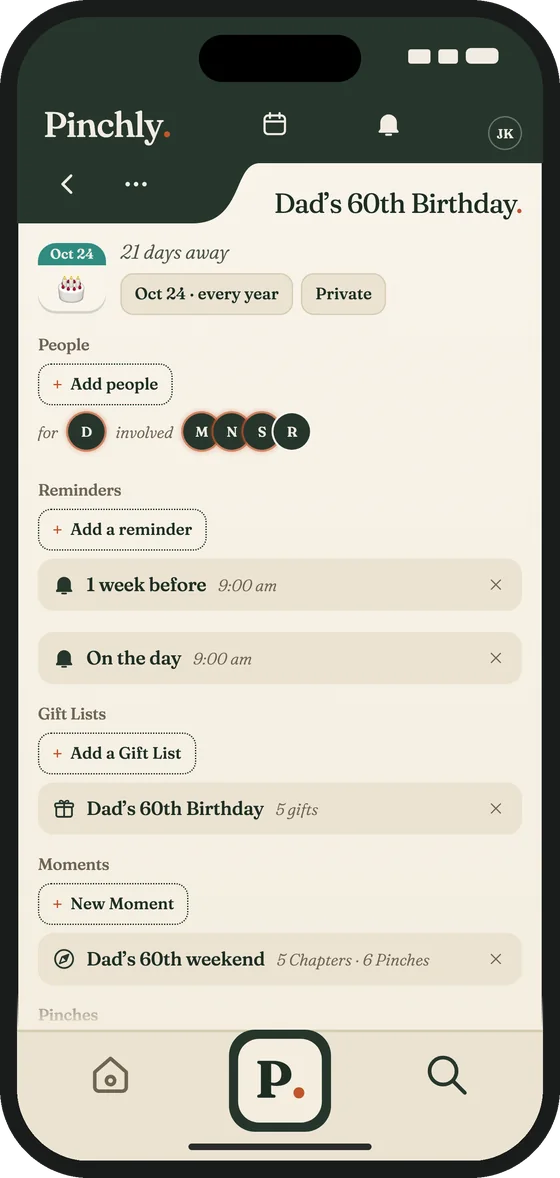
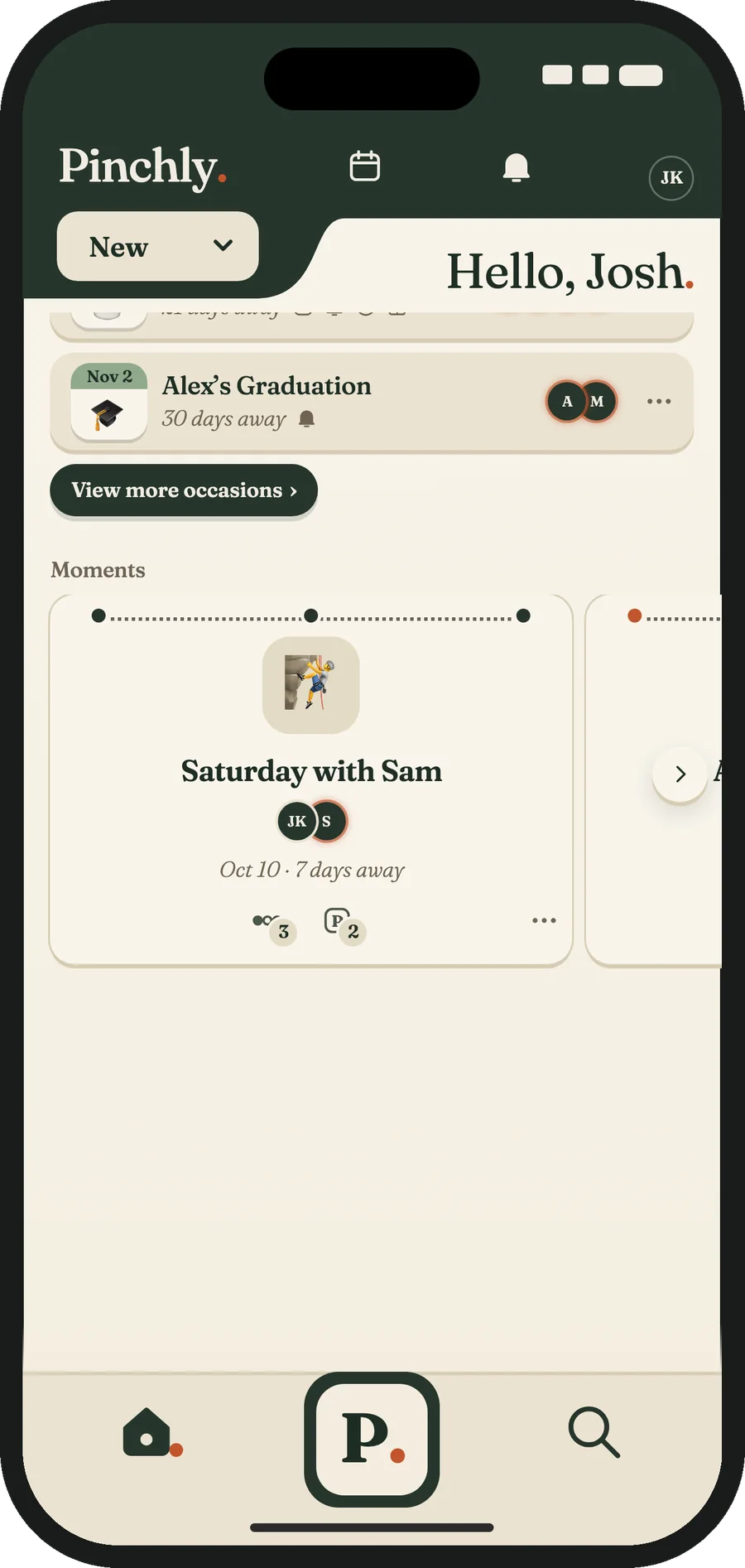
Add a Moment for a birthday, an anniversary or whatever day you want to remember, with its own Reminders. Put every Chapter in order, add the Pinches and places that make it theirs as Details, and seal a Detail so it stays hidden until you reveal it. Plan on your own, or with someone you’re connected to.
Anyone with the link can answer. Guests choose Going, Maybe or Can’t go, and they don’t need the app. A free look costs nothing; a premium look is $4.99 for one Moment.
Keep the things you want to do, watch, read and eat in one place, and make a Pick a Moment when you set the day.
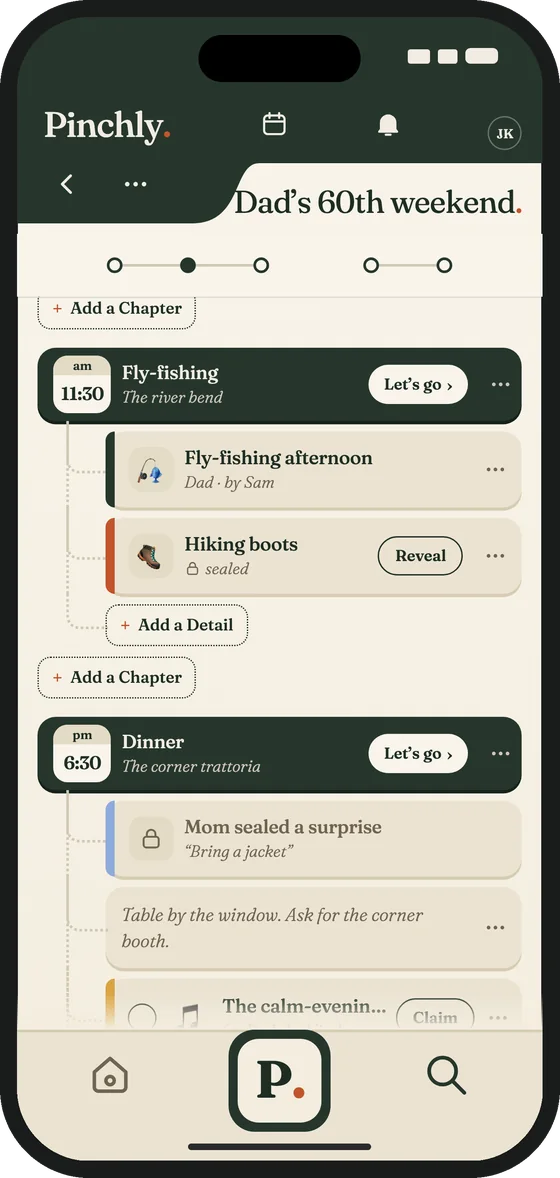
Gift Lists
Keep every gift idea for everyone in one place.
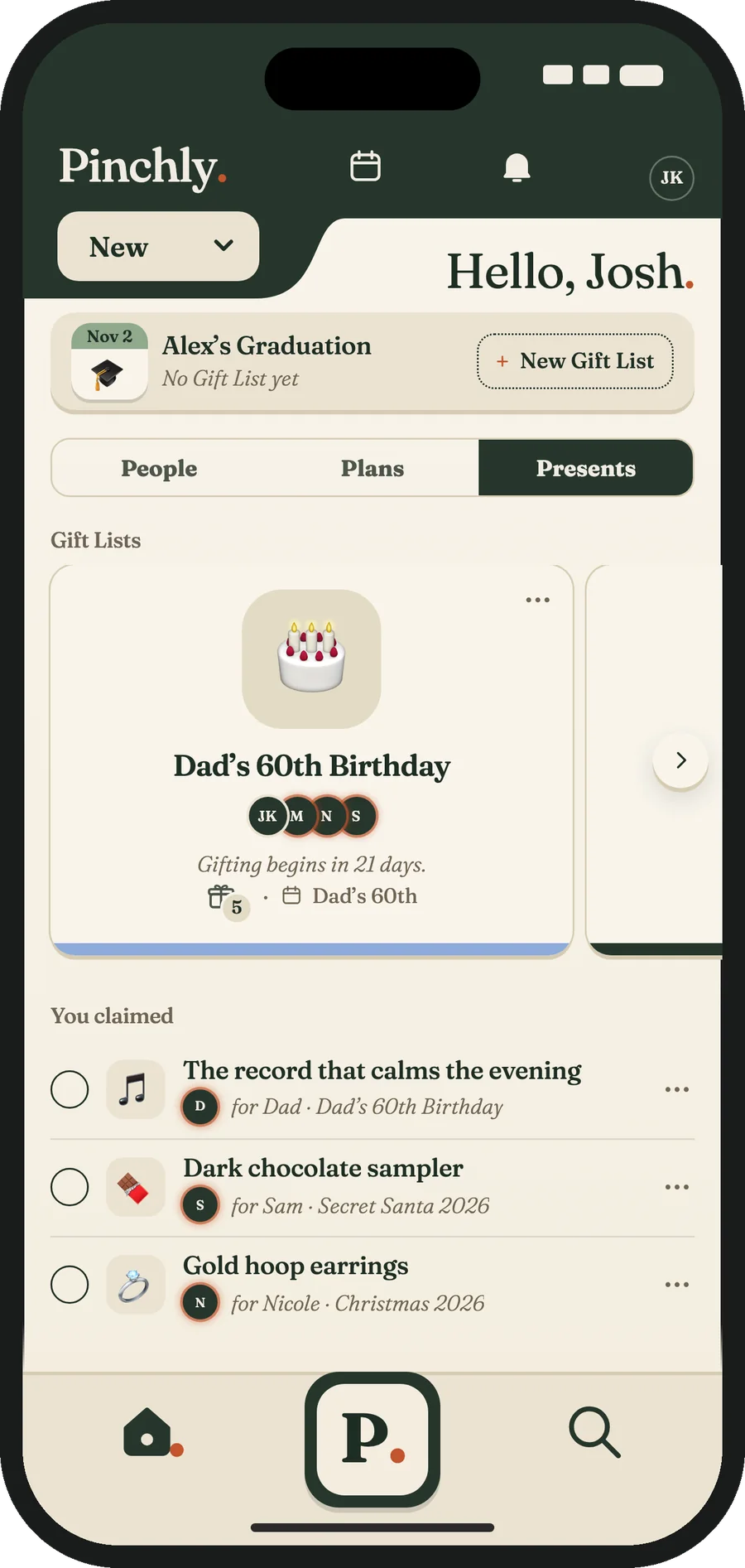
Share a Gift List with people you’re connected to and mark a gift claimed so nobody doubles up. Gifts for someone on the list stay hidden from them.
And around every Pinch
Pinchly is your thoughtfulness ecosystem for remembering what matters to the people you care about—a private place for your people, their Pinches, your Moments with invitations, your Gift Lists and your Picks. Whether you are planning a Moment and its gifts or simply trying to be more thoughtful in your relationships—Pinchly helps you get it right.
Plan the moments that matter with someone you’re connected to.
Give without doubling up.
Send a Connection a thought. See where your Pinches match.
Pinches are the things and places that matter to those you care about. You pinch it once and it’s filed away, private until you share it.
A Pinch stays private until you share it, including by adding it to a Moment or Gift List, which shows it to everyone in that Moment or list. Each Pinch is Private or shared with your Connections, your choice, Pinch by Pinch.
Your reminders show up right alongside everything else you have planned.
Organize your people into groups.
A Pinch can hold where it comes from.
Pinches can hold a link.
Pinchly for Google Chrome™ reads the page you’re on — the thing, the place to get it, the price, the link — and files it to the person you were thinking of. It’s on your phone the moment it’s saved.
FreeOn your computerUses your Pinchly account
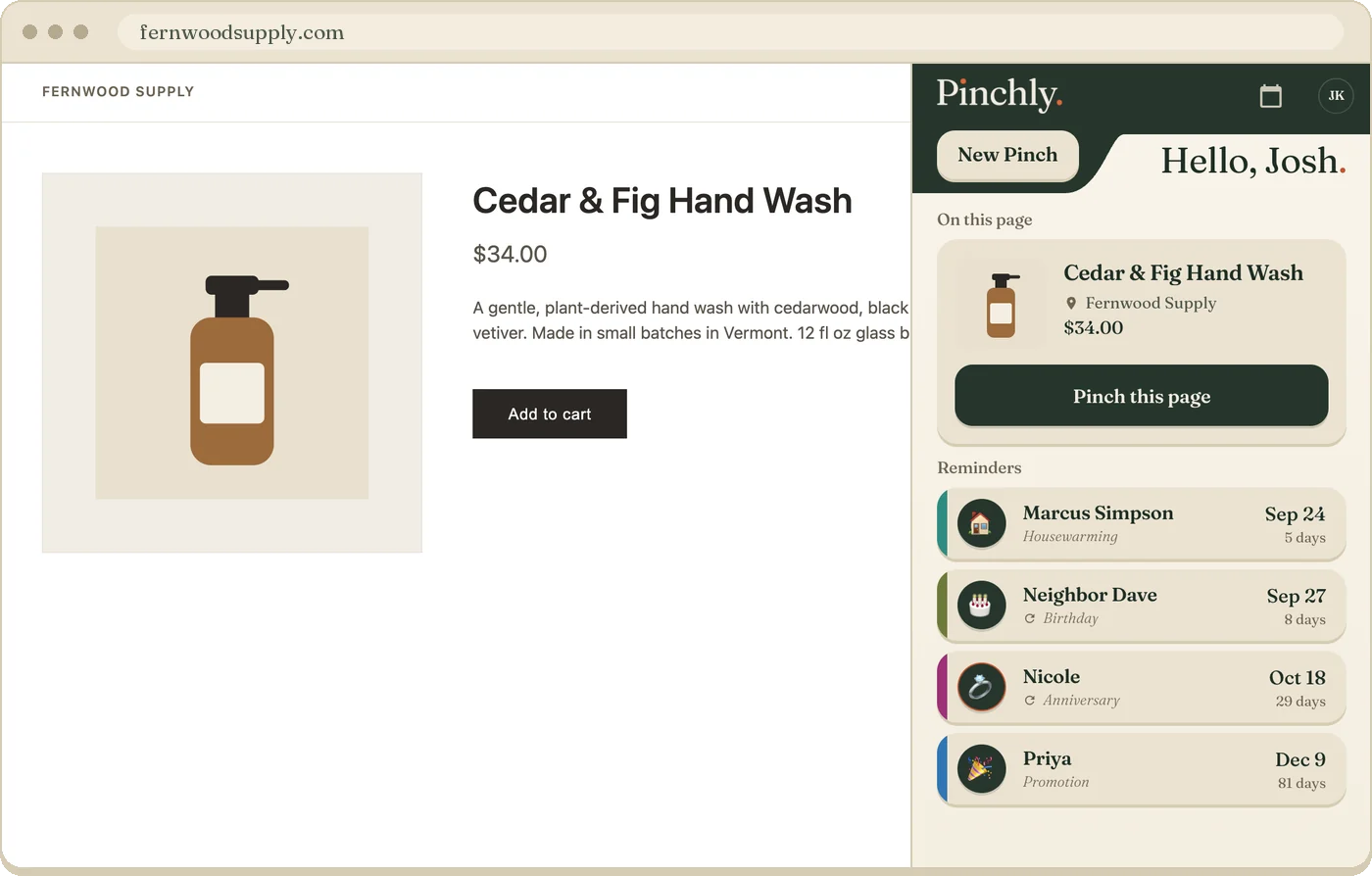
Categories, tags, details, backup choices, and what to steer clear of.
Try it on someone you love
Think of one person. Tap what you know about them by heart.
Twelve small things. How many could you answer right now?

Nothing you tap here is saved or sent anywhere.
What it costs
Free
A premium invitation look is $4.99 for one Moment.
$44.99 a year
Before you download
A Pinch stays private until you share it, including by adding it to a Moment or Gift List, which shows it to everyone in that Moment or list. Each Pinch is Private or shared with your Connections, your choice, Pinch by Pinch. The things you pinch about yourself can be shared with Connections.
No. Add anyone you care about — your partner, friends, family, colleagues, or neighbors. Every person you add is private and visible only to you. If you connect with your people on Pinchly, you can choose to share Pinches about yourself with one another.
Put every Chapter in order, add the Pinches and places that make it theirs as Details, and seal a Detail so it stays hidden until you reveal it. Plan on your own, or with someone you’re connected to. Invite anyone with a link. They answer Going, Maybe or Can’t go, and they don’t need the app.
Keep every gift idea for everyone in one place. Share a Gift List with people you’re connected to and mark a gift claimed so nobody doubles up. Gifts for someone on the list stay hidden from them.
Pinchly is free: people, connections, Pinches, Moments, reminders, invitations with the free looks, Gift Lists, Picks, voice capture and search. Pinchly+ Household is $44.99 a year for up to five adults. A premium invitation look is $4.99 for one Moment. Guests never pay.
Yes. Pinchly for Google Chrome™ is the browser half of the free Pinchly app. Start your account in the app, then sign in to the extension with the same email, and everything you pinch is waiting on your phone.